The apps you already use
Keep using the apps and files on your Android. Your phone runs the apps; the other screen displays the session.
Pocket PC • Nubloid
Write, study and use your apps on a larger screen, with a keyboard and mouse. Pocket PC expands your workspace while keeping your phone at the center.
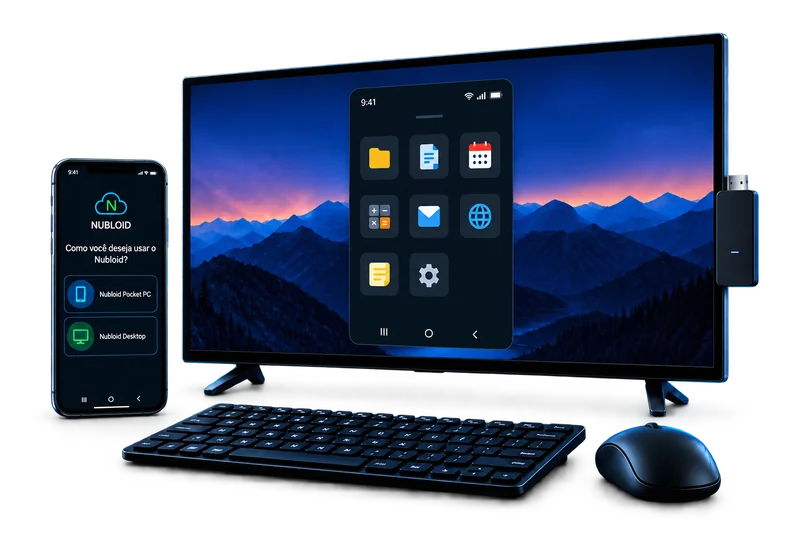
Writing a longer email, reviewing a document or following a class is more comfortable when you have room. With Pocket PC, your apps keep running on your phone while another Android device, an Android TV or a TV with a compatible stick displays your workspace.
Keep using the apps and files on your Android. Your phone runs the apps; the other screen displays the session.
Connect a keyboard and mouse to your phone to write, browse and use your apps on the larger screen. A more comfortable way to handle tasks that need your attention.
An Android TV or a TV with a compatible stick can become part of your workspace. Another compatible Android phone or tablet can receive the session too.
In practice
Open your course materials in the app you already use, read on the larger screen and write with a physical keyboard. When you end the session, your apps and files remain on your Android.
Before you start
Step by step