
Keep it organized. Find it again.
Create folders for your subjects or projects. Search by name, filter and sort to find the file you need.
Nubloid Files • Nubloid
A space on your device to keep, organize and share the files you use every day. From something you just received to a document you will need again.
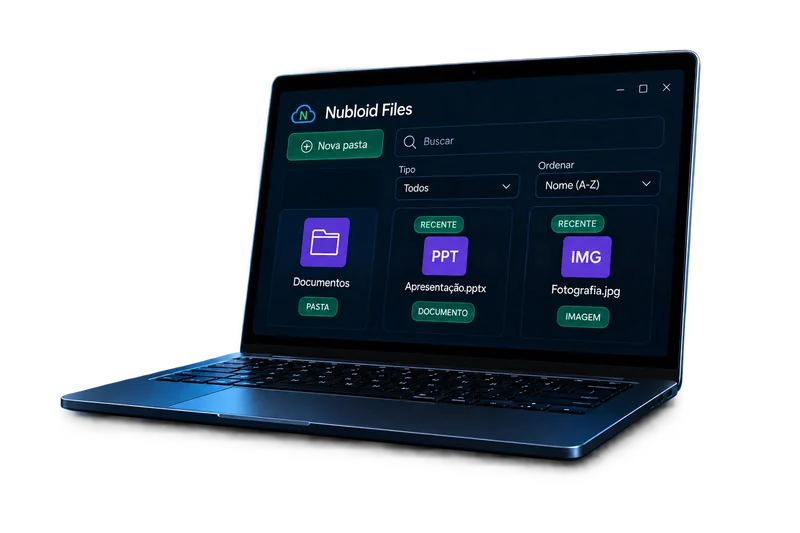
A course PDF, project photos, documents for a delivery. Bring the files you import or receive into Nubloid Files, organize them your way, and choose what comes next: open, share or send them to another device.
Create folders for your subjects or projects. Search by name, filter and sort to find the file you need.
Select one or more files and choose how to share them. You decide what to send and which app to use.
Files received through Nubloid are there for you to organize and use. When you need them on another device, they are within reach.
In practice
Keep the materials for a course or a project in a folder. When you need to read a document or send those project photos, return to Files and find what you saved.
Before you start
Step by step