Local-first • Full control
Mirror your Android to PC and transfer files over Wi-Fi — fast and private.
Nubloid connects Android + Windows with a clean flow: start in seconds, keep everything local, and stay in control. No account, no cloud, no distractions.
Short token • Per-session encryption • Minimal UI
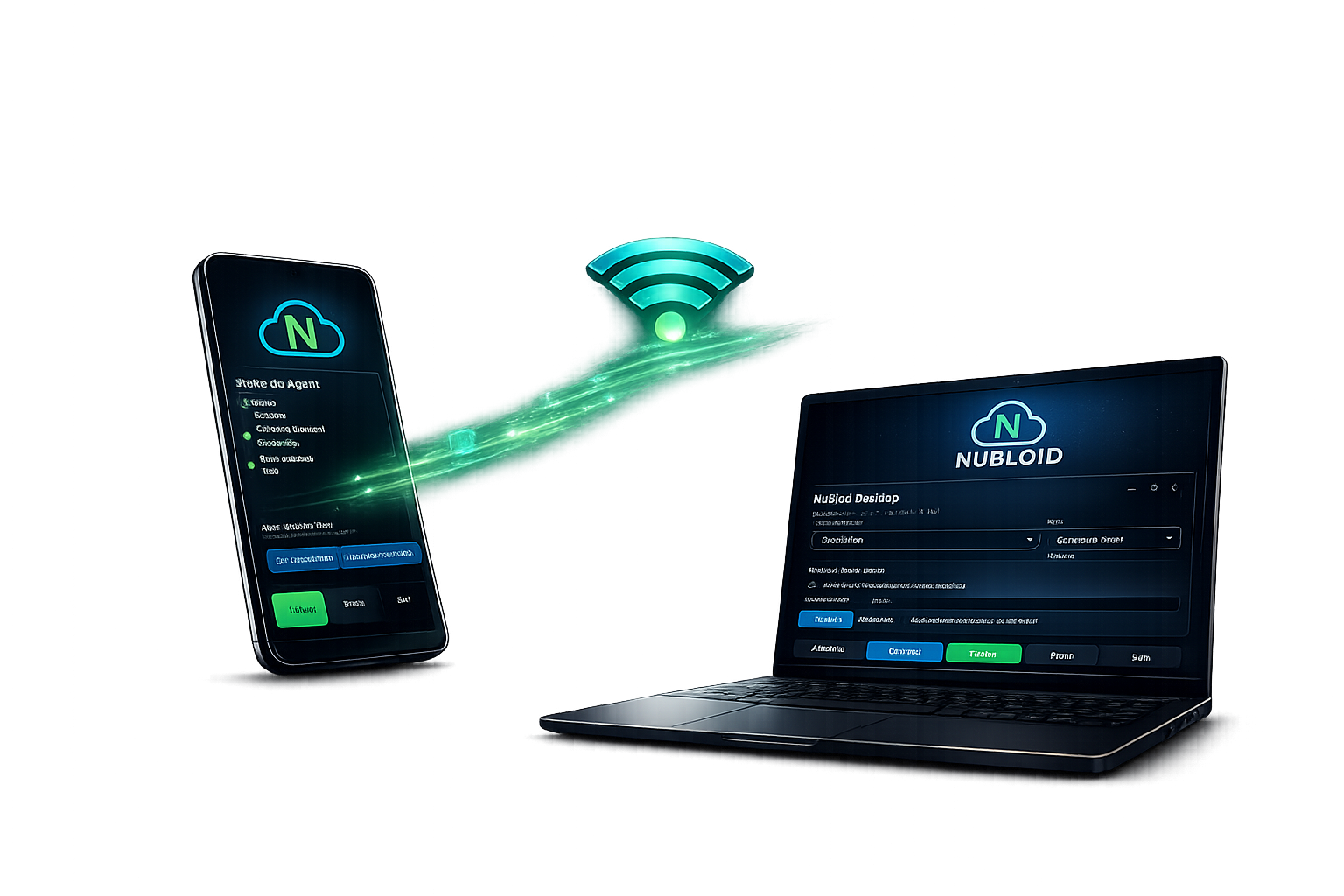
Fast mirroring (Android → Windows)
Low latency and quality profiles. Optional “screen off” during session to save battery and increase privacy.
Secure Wi-Fi transfer (no cloud)
Send and receive files directly on your local network with a short token and per-session encryption.
It’s a confidence-first flow: you authorize, watch progress, and stop it anytime.
Privacy by default
No login, no ads, no trackers. Nubloid is designed to work between your own devices,
avoiding unnecessary exposure on your network — peace of mind from day one.
Quick start
File transfer (Wi-Fi)
- On Android, tap Send or Receive from Windows.
- Nubloid shows a temporary token (auto-expiring).
- On Windows, go to Downloads, enter the token, done.
Mirroring (USB / advanced mode)
- Connect Android to your PC via USB.
- If needed, enable USB debugging (optional, advanced).
- In Nubloid Desktop, click Start and use Android from PC.